
Accepted input
Copy the channel home URL. For localized display names, use the English username shown in the browser address.
Example
https://www.twitch.tv/channelname
Steps
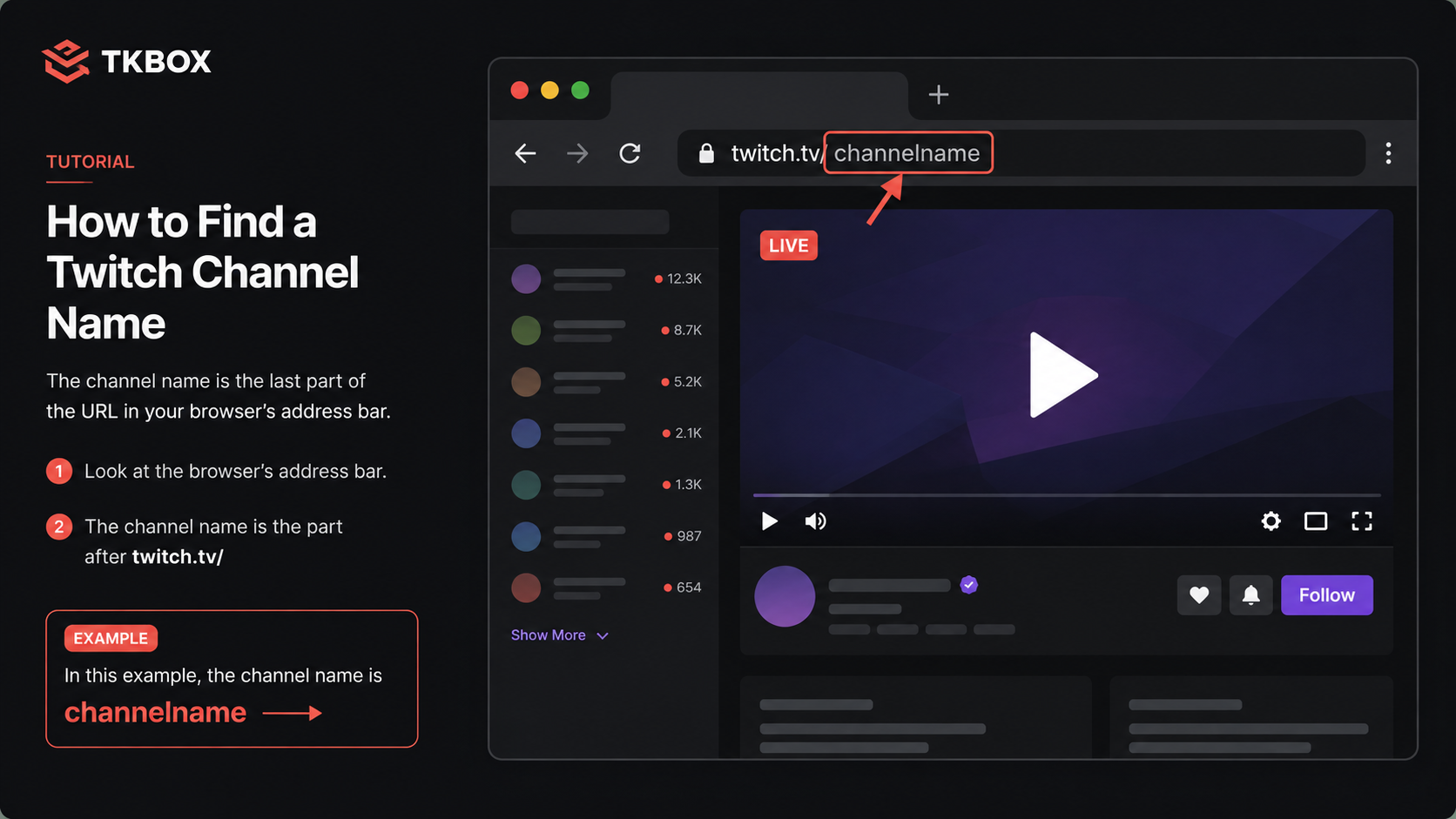
twitch.tv/.
Platform layouts may change.
- Open the creator's Twitch channel home page.
-
Copy the full URL or the username after
twitch.tv/. - Select Twitch in TKBOX, paste the channel URL or name, then choose Start or Save.
Authorization
- On first connection, open the Twitch activation page shown by TKBOX and enter the code.
- Authorize an account that can view the target channel's chat.
- The creator must be live to produce ongoing real-time messages.
Troubleshooting
Use only letters, numbers, and underscores. Do not paste a video, category, or pop-out chat URL. Update TKBOX if the creator changes username.