
Accepted input
Paste the final live.douyin.com URL or its numeric
room ID. Open shared short links in a browser first, then copy the
final address.
Example
https://live.douyin.com/123456789
Steps
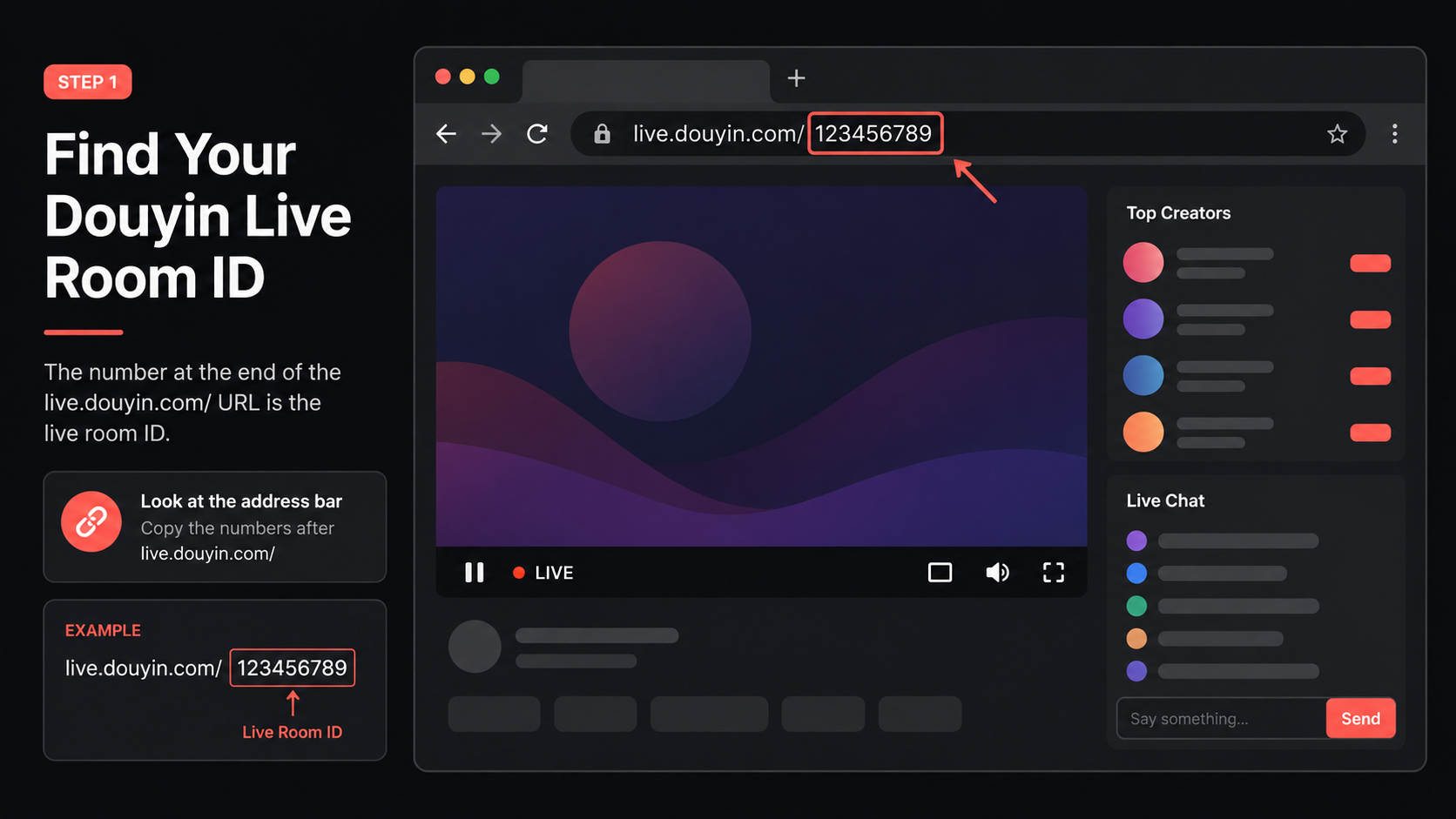
live.douyin.com/. Platform layouts may change.
- Ask the creator to start streaming, then open the Douyin live room in a desktop browser.
-
Copy the full address containing
live.douyin.com/number. - In TKBOX select Douyin, paste the URL or number, then choose Start or Save.
Before connecting
- The room must be live to produce real-time chat events.
- Sign in to the pop-up with a viewer account that is not streaming.
- Send a test comment and confirm that TKBOX receives it.
Troubleshooting
Verify that the final URL uses live.douyin.com and
contains a numeric room ID. If connected but silent, check the
live status and viewer login.